
Guides
Part of Apartment EV charger work orders: how to log a request without diagnosing it
Apartment EV charger request intake: handling sensitive details
How to take an apartment EV charger report without copying passwords, payment details or account numbers into the shared log, and what to write instead.
Apartment EV charger request intake is the first record of a reported condition, and the shared log that holds it is easy for many people to open. Its job is narrow: capture what the reporter says, tie it to a location and an asset reference, and hand it to the right owner. It does not decide what is wrong.
What to take away
- Sort every message before typingshared log, restricted record, or not recorded.
- Keep passwords, payment credentials, account numbers, and vehicle details out of the shared log.
- Leave a neutral pointer where restricted material is stored.
- Write the reporter's own words. A paraphrase turns a report into a finding.
- Never ask a reporter for account proof to route a report.
Sort each message into three places
Every incoming message mixes routing facts with private detail. Sort it before anything reaches the shared log, because staff and vendor contacts alike can open that log. Three places cover whatever a reporter sends.
| Place | What goes there | Example |
|---|---|---|
| Shared log | The five routing fields | "Level P2, would not start, 7:40 a.m. as reported" |
| Restricted record | The original message, held through the approved property process, when it carries restricted material | A message with a pasted account number |
| Not recorded | Detail that routing does not need | Vehicle details |
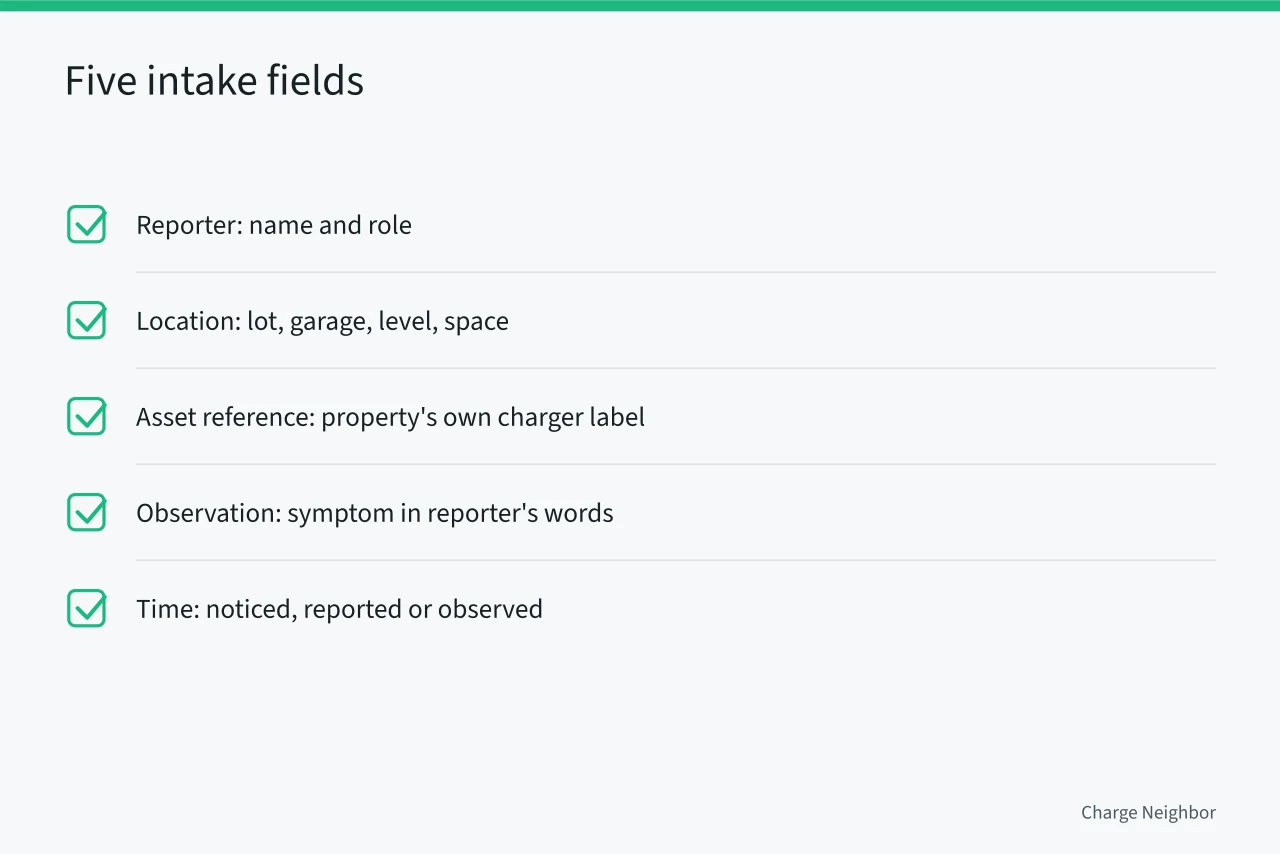
The shared log keeps five fields only: reporter, location, asset reference, observation, and time. Washington State's preventive-maintenance work-order format carries similar fields:
What to write in the log instead
An intake record needs no passwords, payment credentials, account numbers, or vehicle details. Store restricted material through the approved property process and leave a neutral pointer in the shared log. The table shows the wording for each.
| Detail a reporter may send | Why it stays out | Write in the log instead |
|---|---|---|
| Password or login | Anyone who opens the log could use it | "Login issue reported" |
| Payment credentials | Routing does not need them | "Billing question, account owner to follow up" |
| Account number | It identifies a customer account | "Account detail held in restricted file" |
| Vehicle details | Routing does not need them | "Vehicle detail not recorded" |
The NIST Privacy Framework is a voluntary tool to help organizations manage privacy risk, and it supports collecting only what routing requires. The FTC's guide for business puts the same habit in one line: keep only the personal information you need for your business.
When a reporter pastes a secret
A resident messages the front desk at 7:40 a.m. saying the charger on level P2 would not start. The message also pastes an account number. The log records "account detail received, held in restricted file" and never the number itself.
- Shared logreporter is the resident, location is P2, asset reference is unknown, observation is "would not start," time is 7:40 a.m. as reported.
- Restricted recordthe original message, account number included, held through the approved property process.
- Replystaff ask the resident to send no further account detail and to say what the post showed.
Two records, two audiences. Collapsing them is how a secret ends up where every staff member and vendor contact can read it.
If the label is unknown, write "unknown" and describe the location. Never guess an equipment identity, because a wrong label sends a technician to the wrong post. A plain-English look at installation explains what the hardware is called. Labeling chargers at installation prevents this, as the future-ready setup plan explains.
Ask what was seen, not for proof
Ask what the user saw, which labeled charger was involved, when it was noticed, and whether a provider message is showing. Ask whether anyone has already opened a ticket. Do not ask a resident to inspect equipment, name a defect, attempt a repair, or give account proof.
Route the report by type
What kind of report is it?
Session will not start -> provider support channel
Visible damage or hazard -> property response process
Routing needs only the report type. A session that will not start goes to the current provider support channel. A billing or account question goes to the account owner or listed provider channel. Visible damage or a hazard concern goes to the property response process. A blocked stall goes to operations.
Keep the trail without the secrets
Retain the report date, route, and later status in the shared log. Keep the original message in the restricted record when it holds anything from the table above. Follow the property's retention process.
Ask each provider which support channel and account owner it lists, using the buyer questions, so that billing reports reach the right place on the first try. The budget models show who owns the account in each case. Property rules may also limit what staff may record, and the building rules article covers them.
Common questions
Does an intake report show the charger is broken?
No. It records a report. A provider or another qualified source may later supply a finding, and that finding belongs in its own record.
What should staff do when a resident sends a password?
Do not copy it into the shared log. Note that credential detail was received, and handle it through the approved property process.
Can a screenshot go straight into the log?
Not if it shows a password, payment credential, account number, or vehicle detail. Keep the image in the restricted record and note in the log that an image was received.
Who decides whether a condition is a hazard?
The authority having jurisdiction, not the intake log. Route the report to the property process that contacts the local fire marshal or building official, and let that office make the call. Reports from owners can be uneven, so see how to vet them.